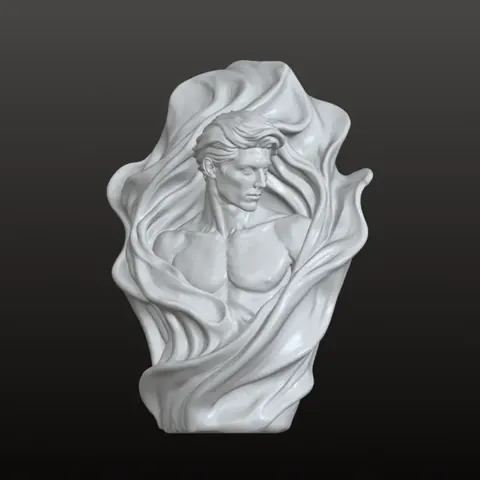
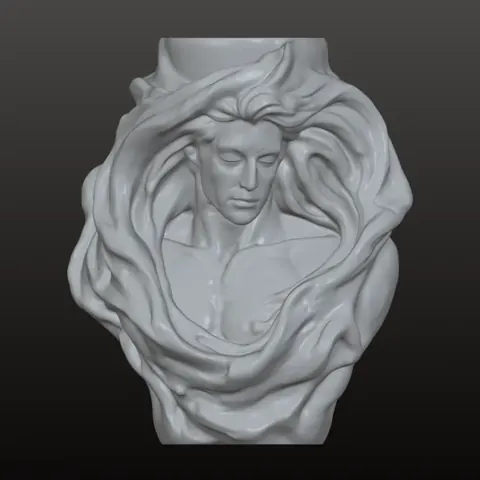
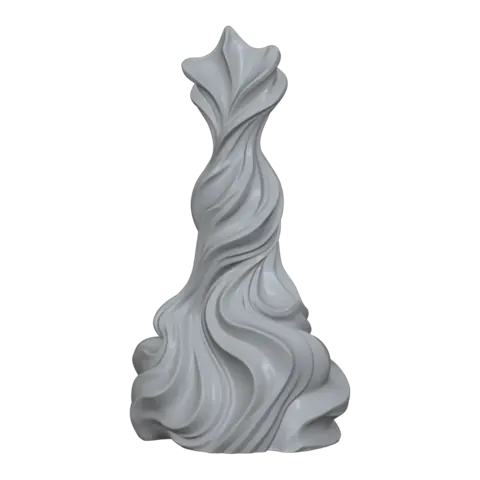
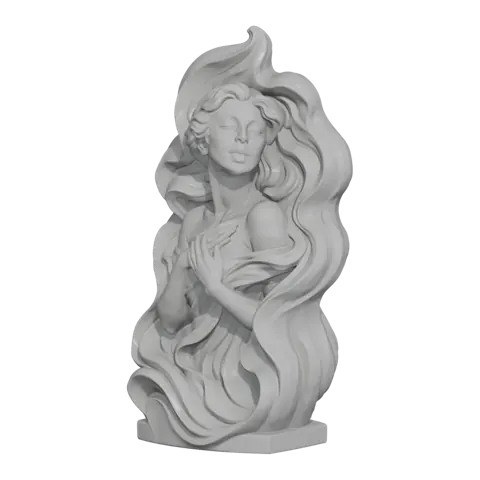
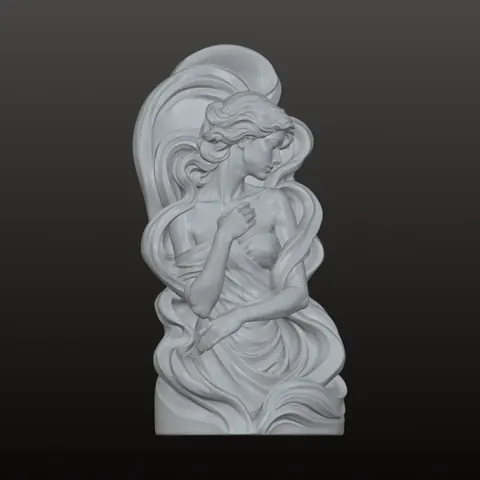
Even silicone wall
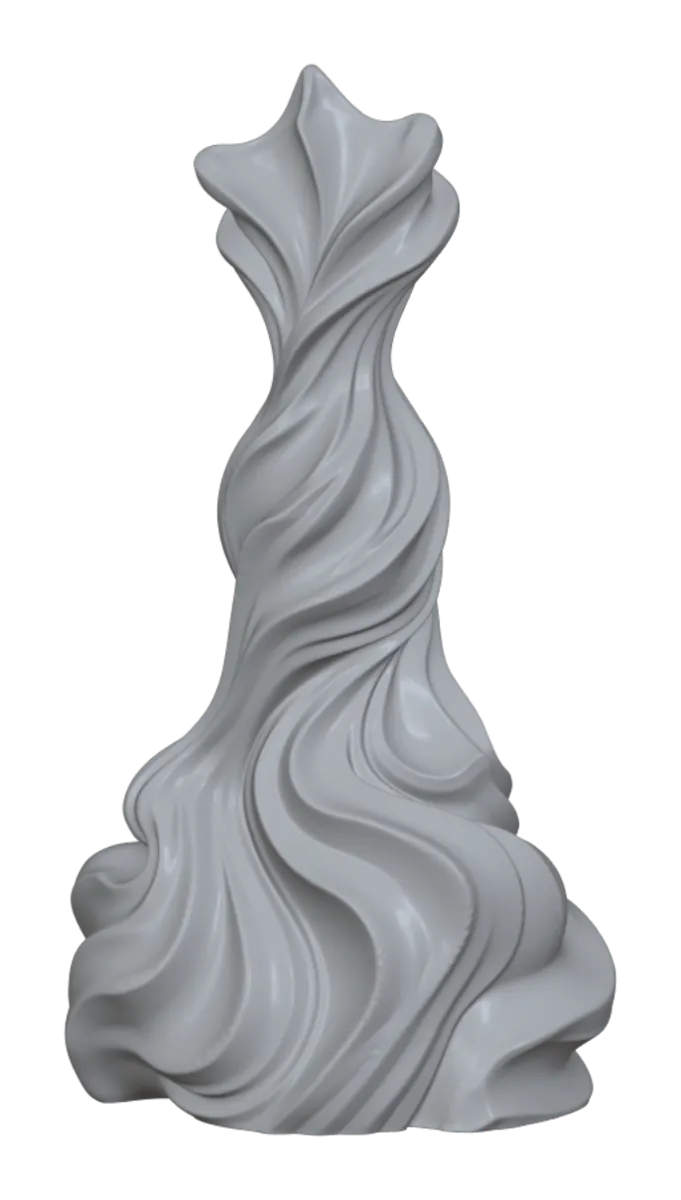
The cavity follows the surface at a set thickness instead of filling a whole box, cutting silicone use on organic shapes.
Try lightweight mold →Upload a 3D model and DAULESEN3D builds a print-ready mold around it: shell, base, pour opening and locating keys included.
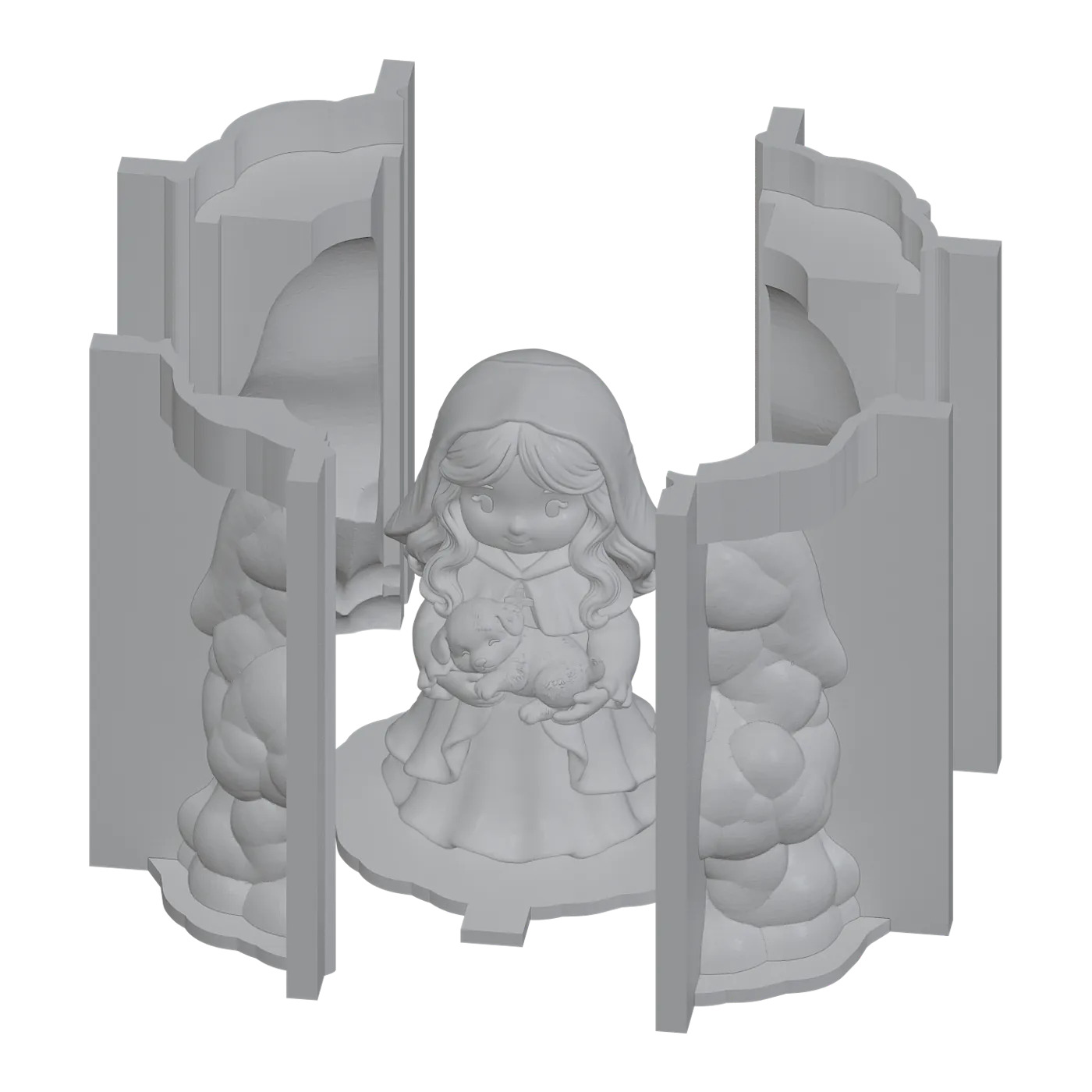
The lightweight mold hugs your model with an even wall, so you pour only what the part needs.
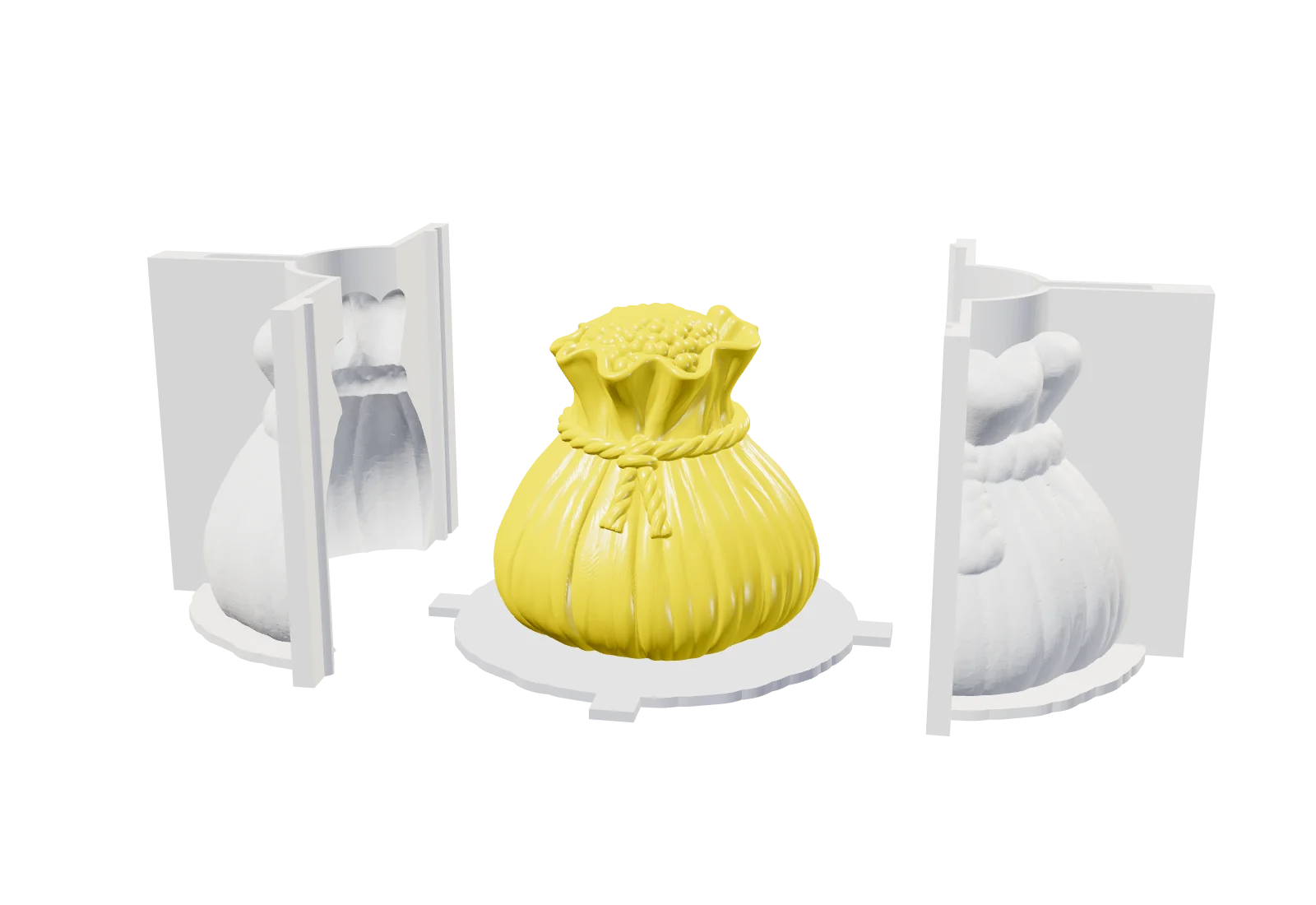
The cavity follows the surface at a set thickness instead of filling a whole box, cutting silicone use on organic shapes.
Try lightweight mold →The printed shell splits into halves with locating keys and clearance, so the silicone releases without tearing.
Open the workspace →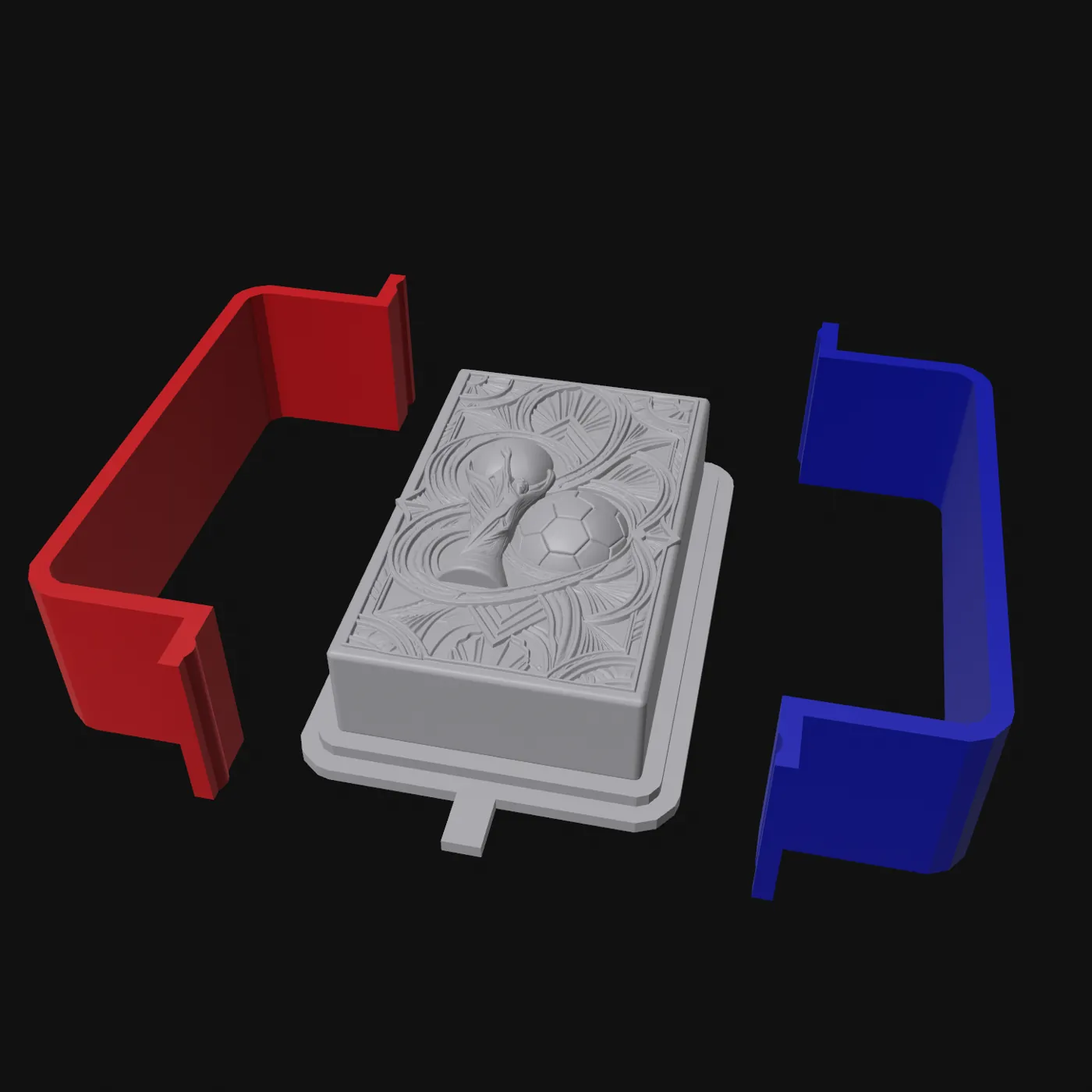
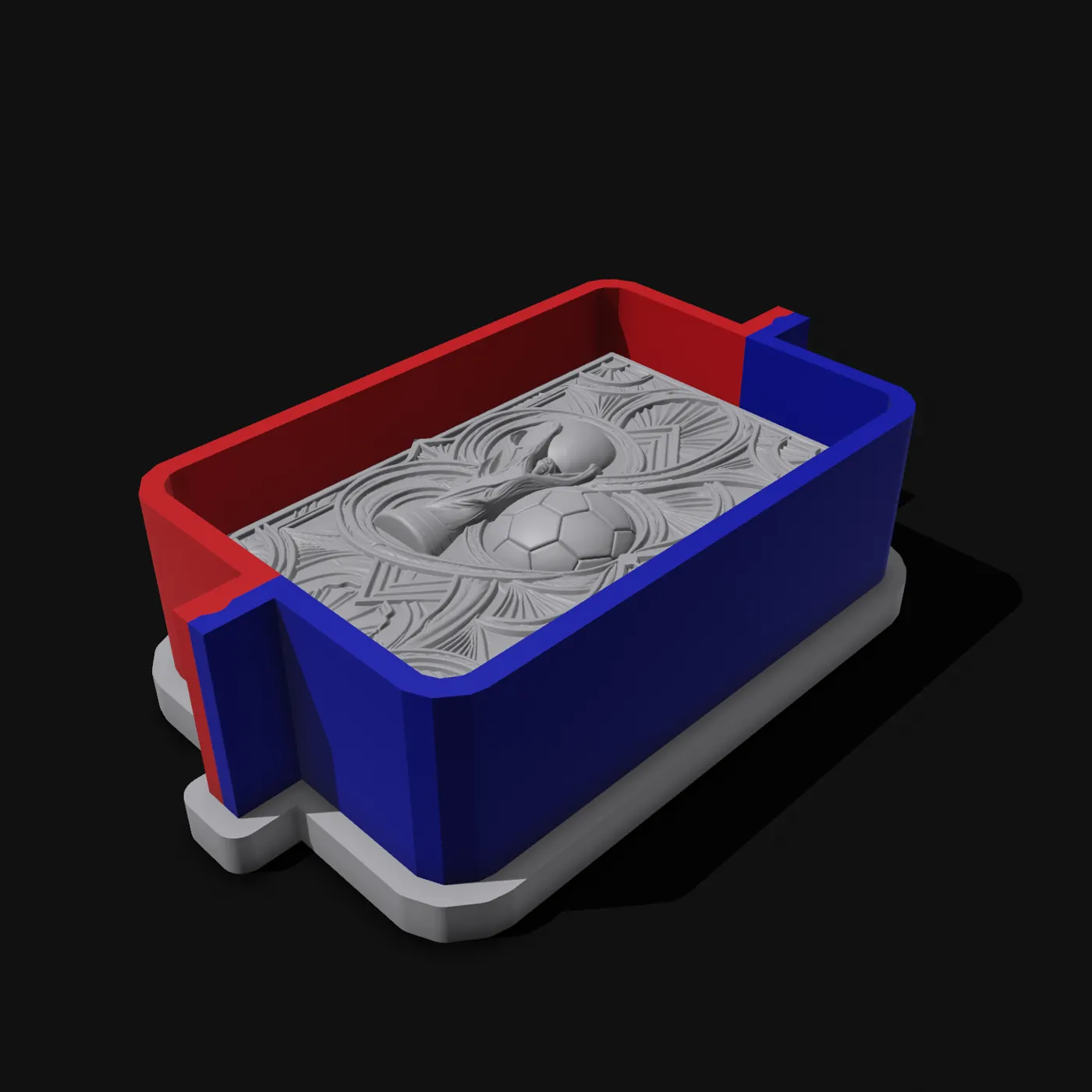

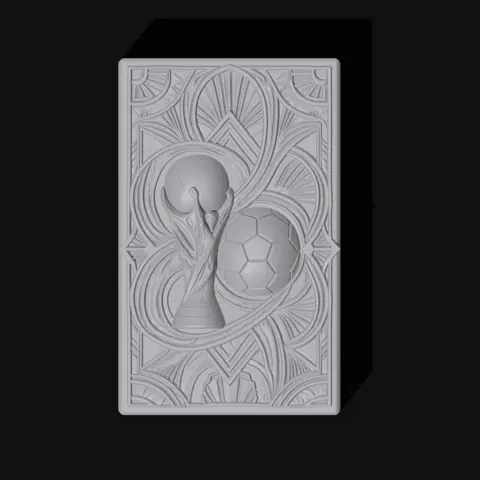
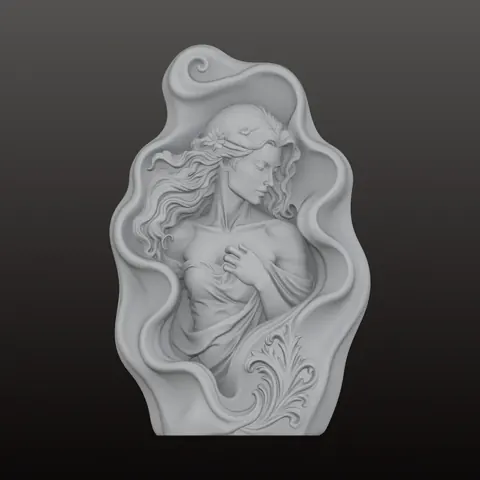
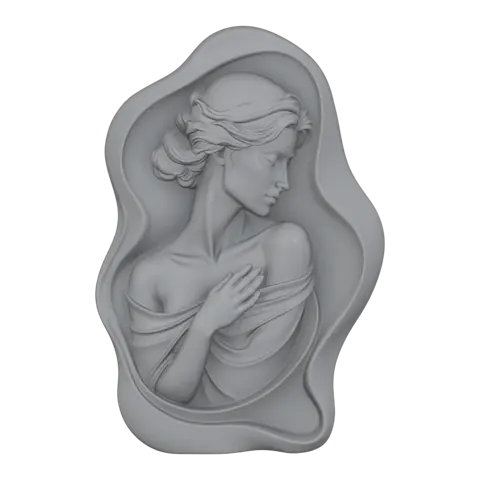
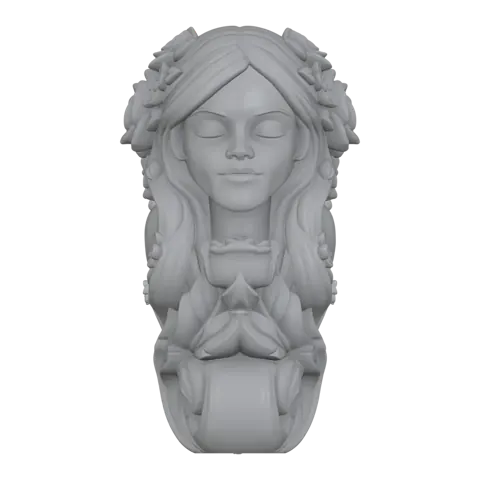
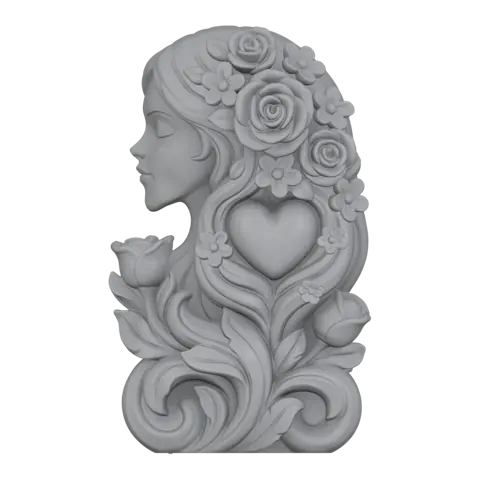
For plaques, soaps and reliefs, the standard mode builds a base plate under your model and a two-part fence around it. Print, assemble, pour.
No model yet? Start from a photo or a generated image. The whole path runs in one workspace.
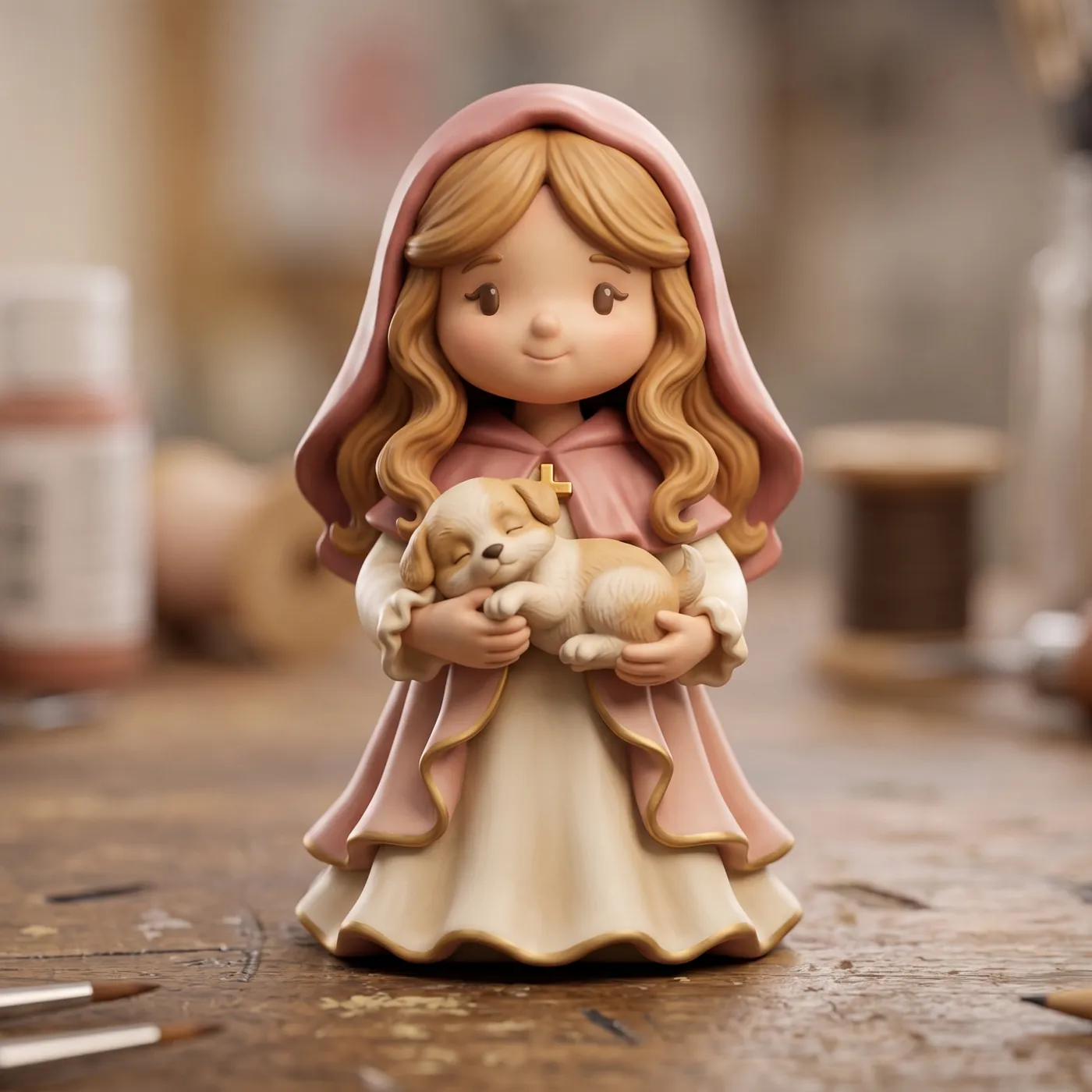
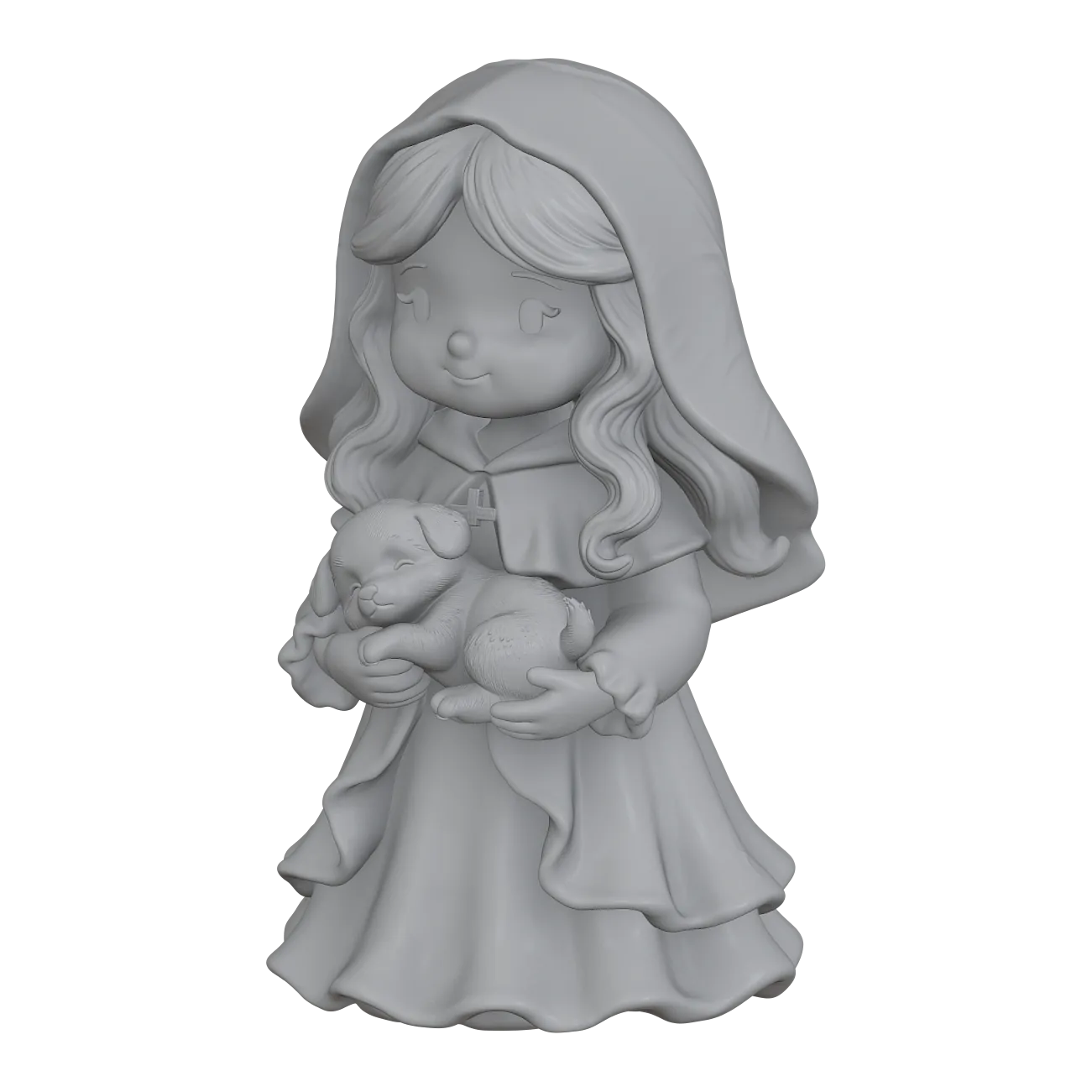
Turn a photo, a sketch or a text idea into a 3D model, then send it straight into the mold tools.
Makers in many trades use DAULESEN3D to go from idea to repeatable castings.
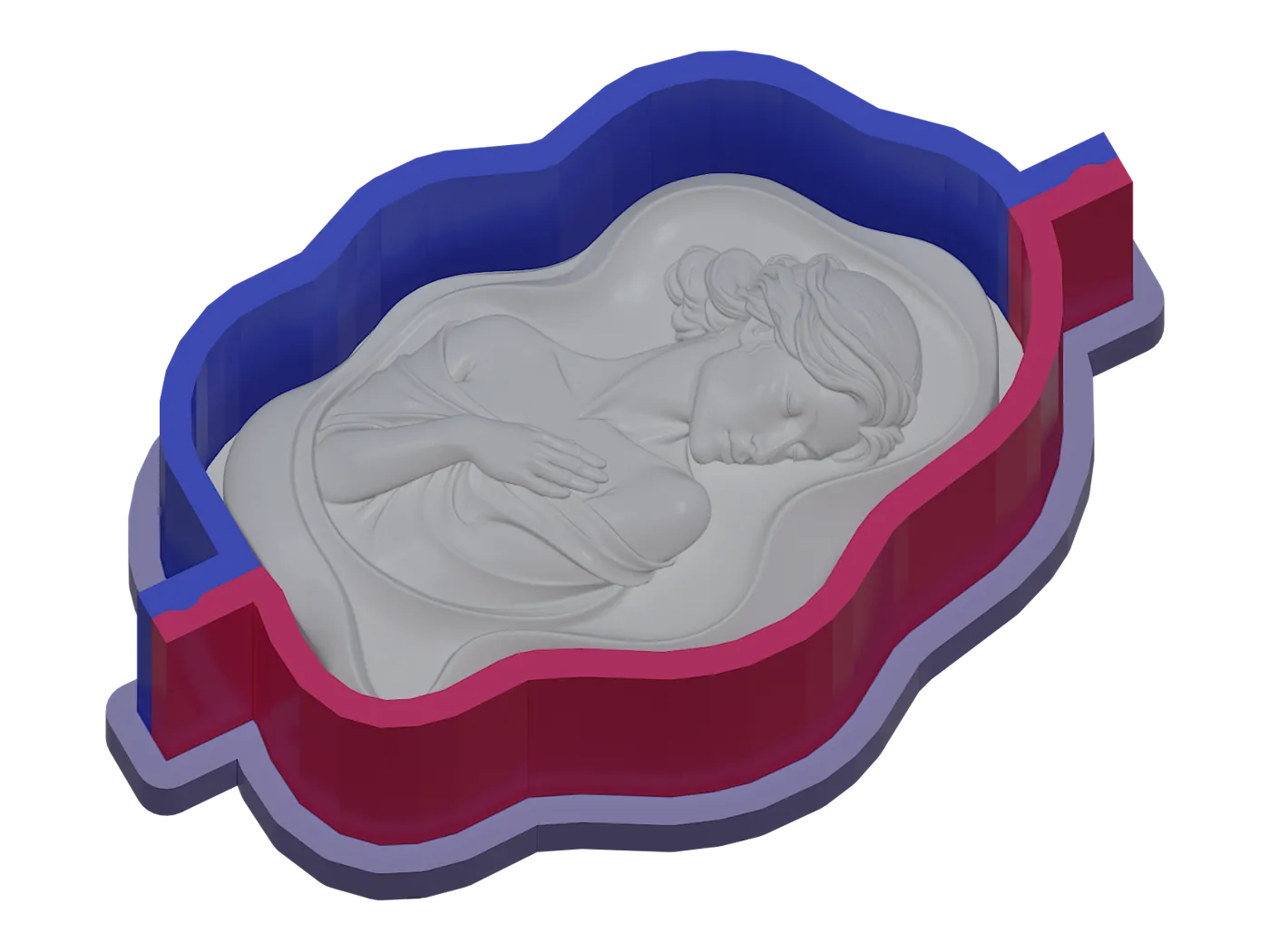
Relief bars and gift soaps with a base-and-fence mold that opens in seconds.
Learn more →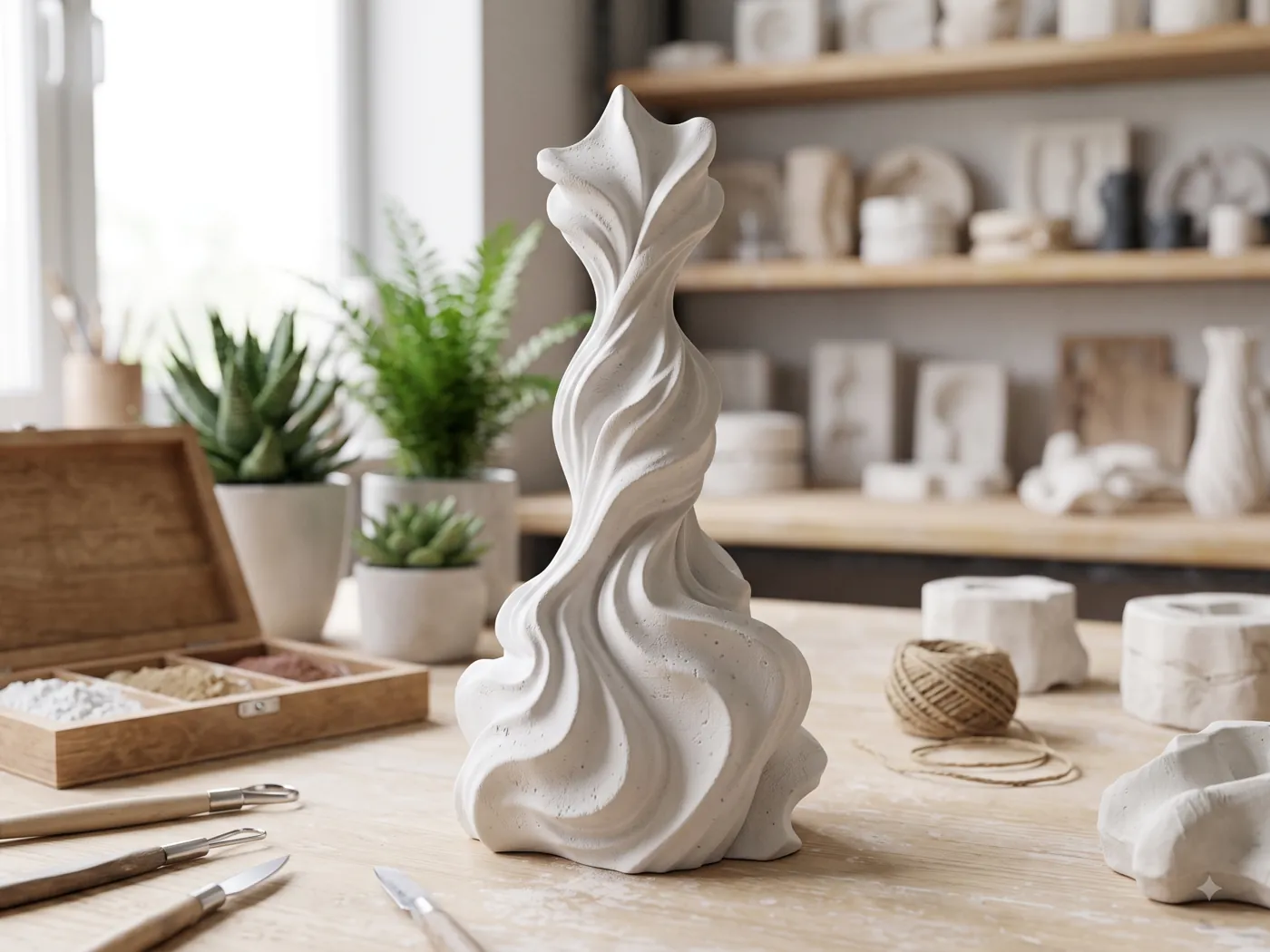
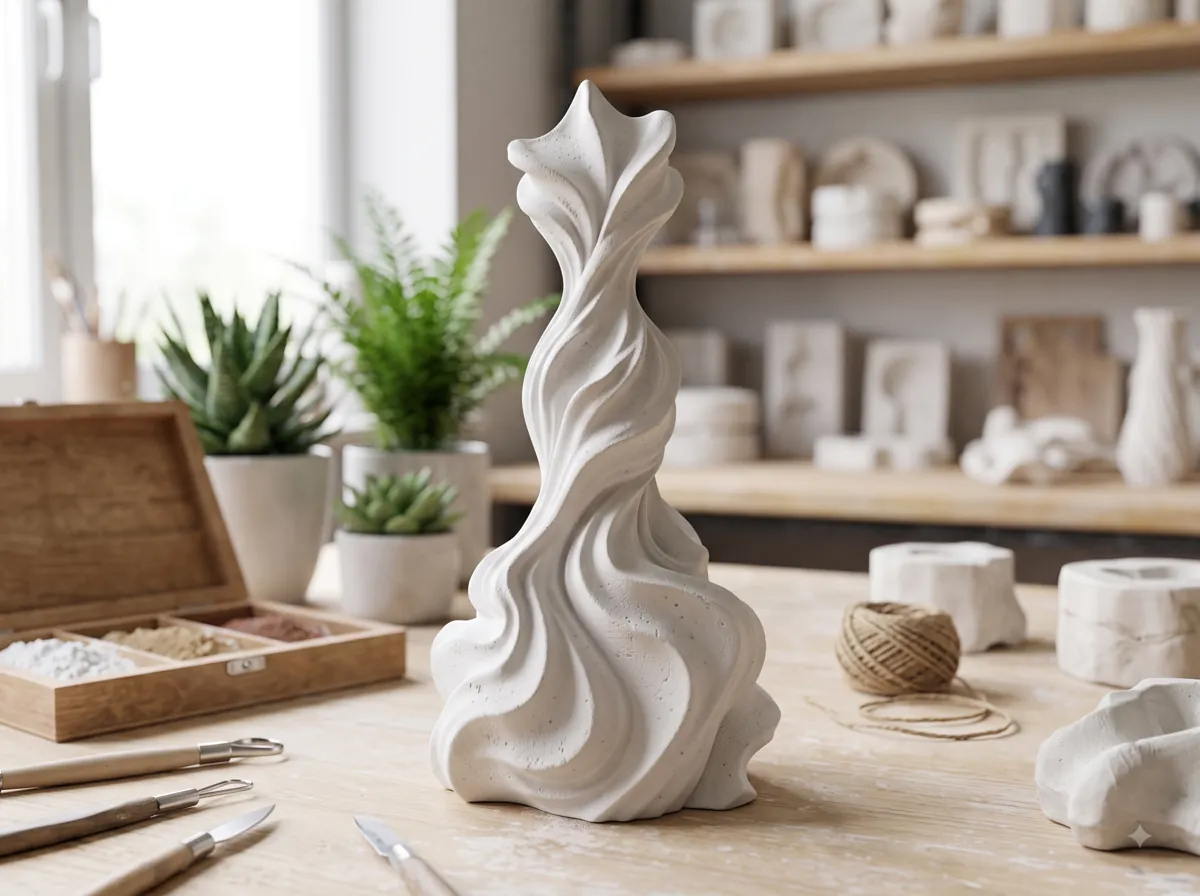
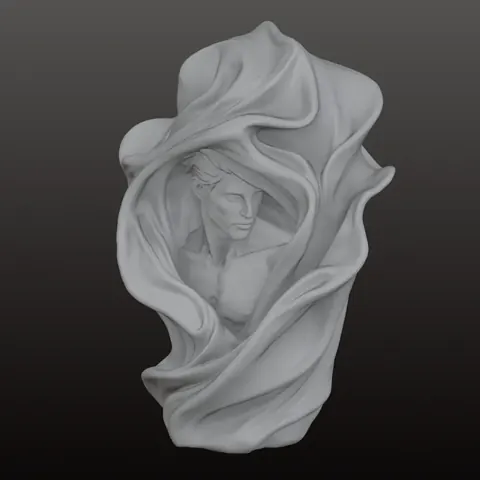
Flowing, organic shapes cast in wax, gypsum or aroma stone.
Learn more →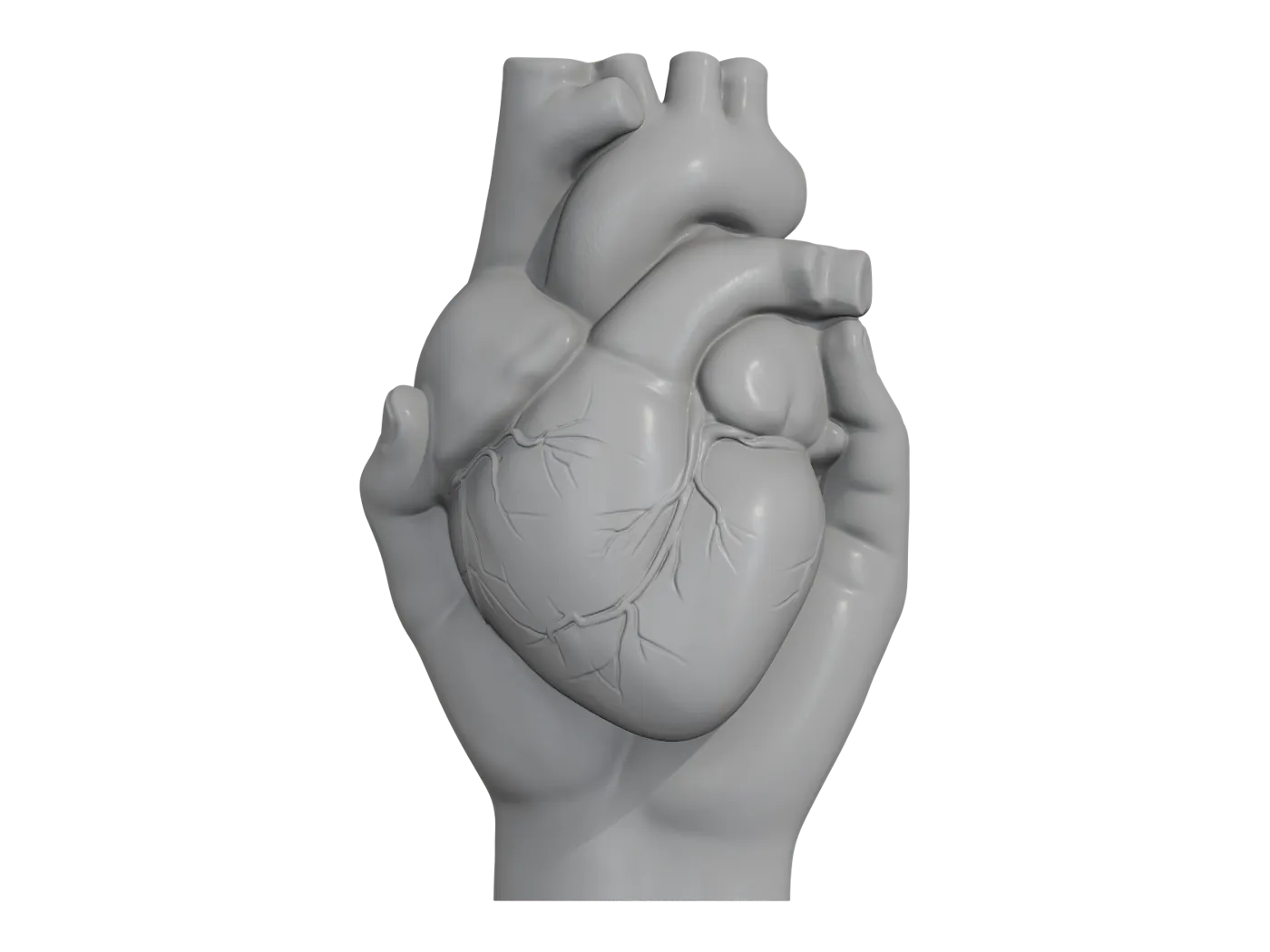
Display pieces and keepsakes in epoxy or UV resin.
Learn more →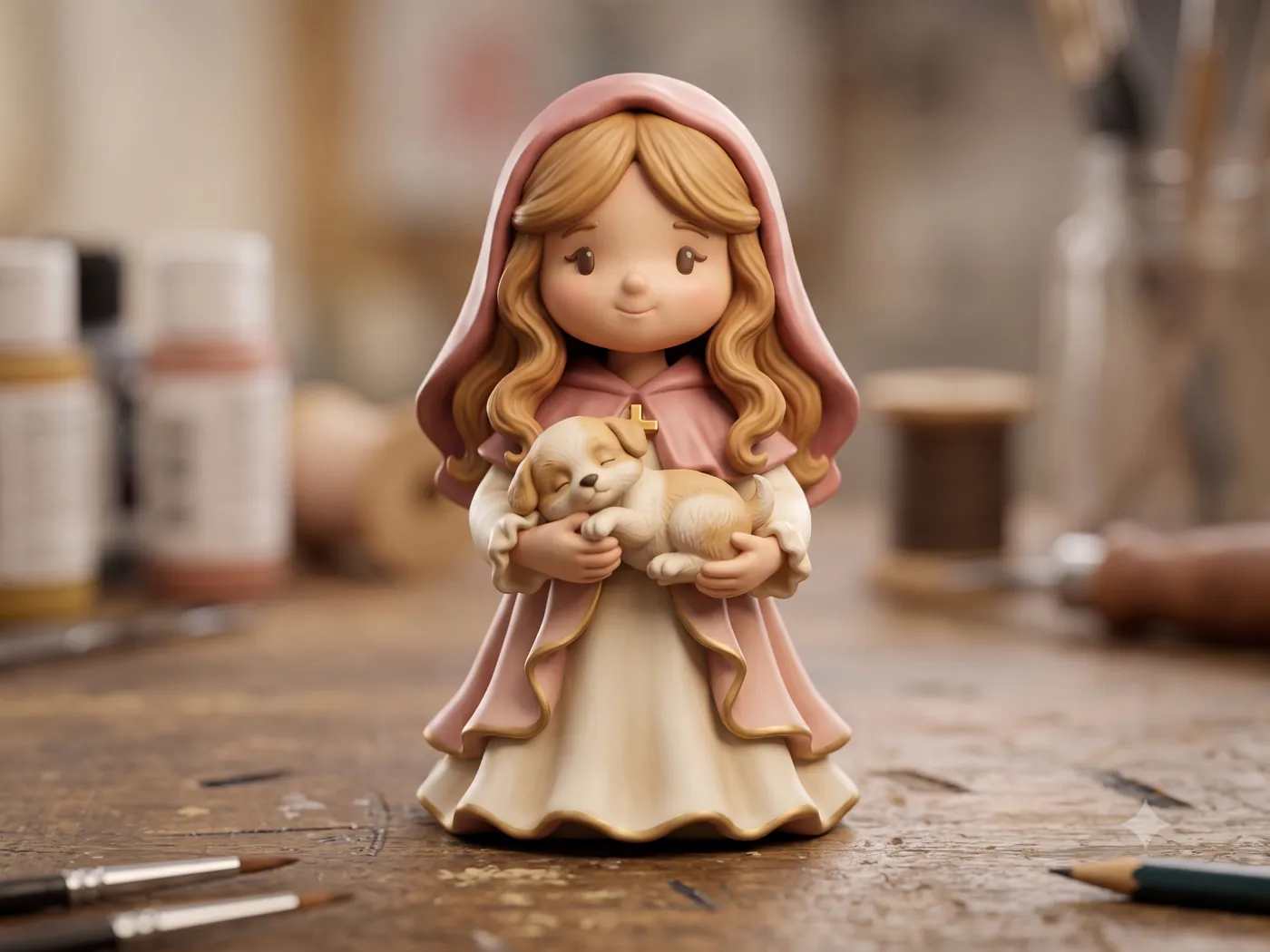
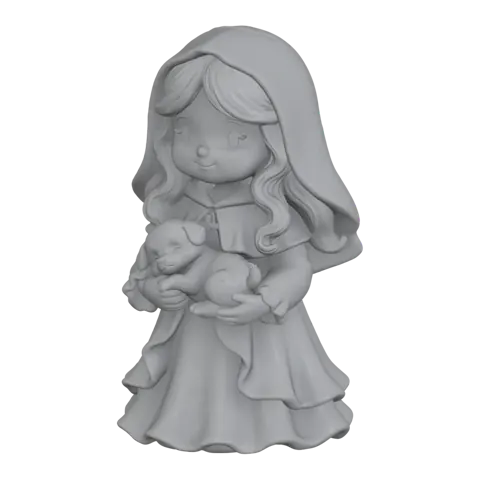
Short runs of characters without a factory mold.
Learn more →
Relief plaques and bars; use food-grade silicone for anything edible.
Learn more →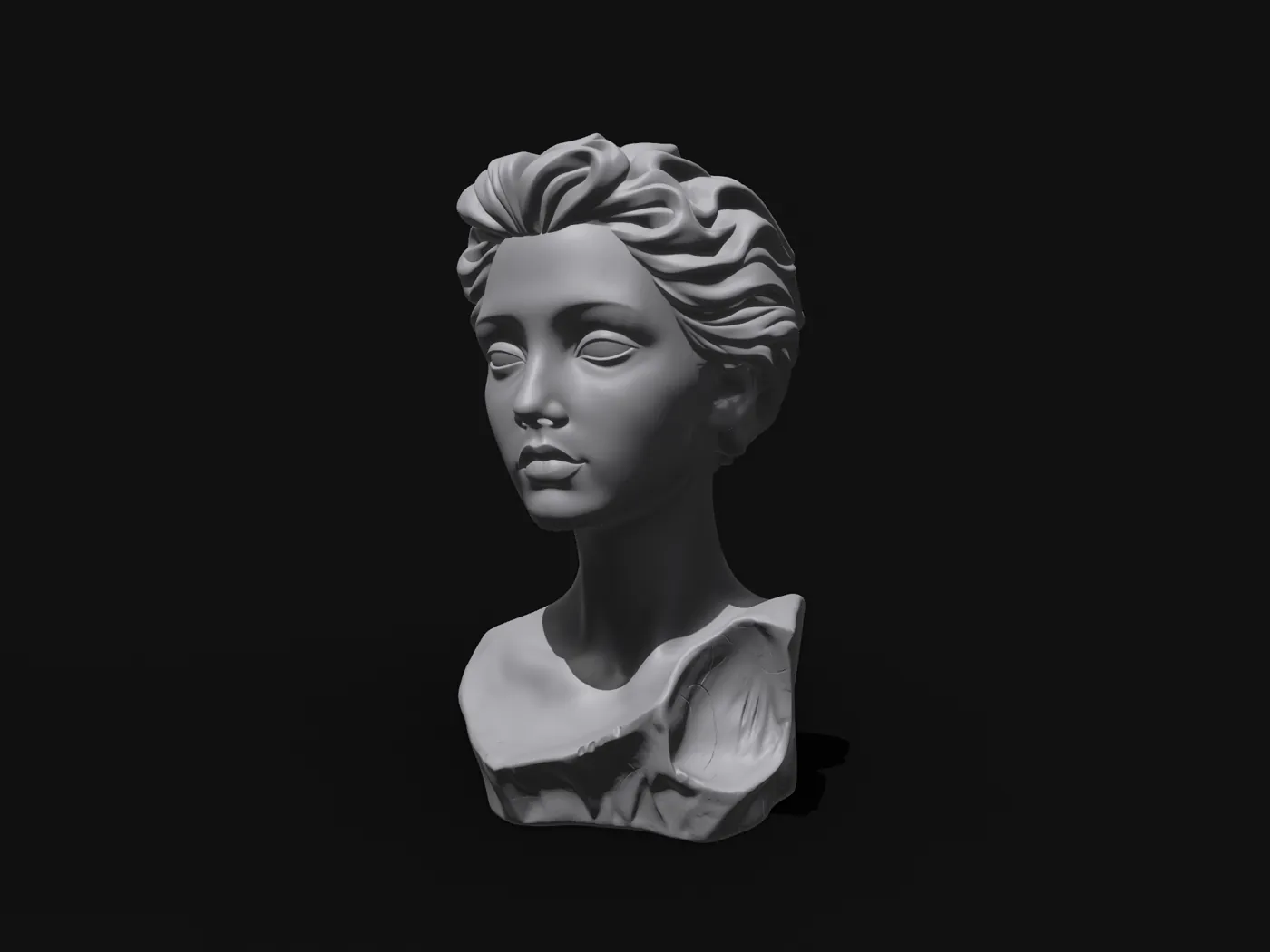
Teach sculpture and casting with molds students design themselves.
Learn more →Models molded with our tools, and projects shared in the Creative Square.
It turns a 3D model into a printable silicone mold. Upload an STL (or create one with Image to 3D), choose the mold type, and download the shell, base and accessories as print-ready files.
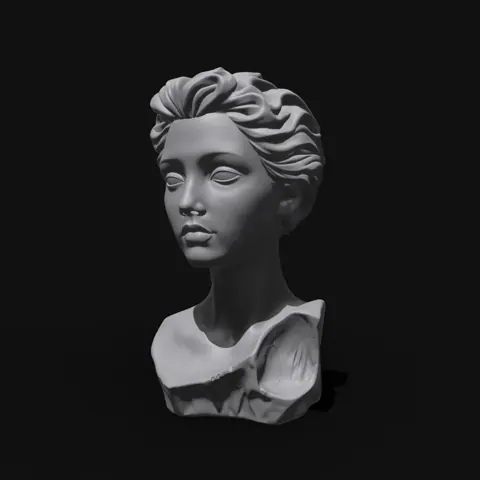
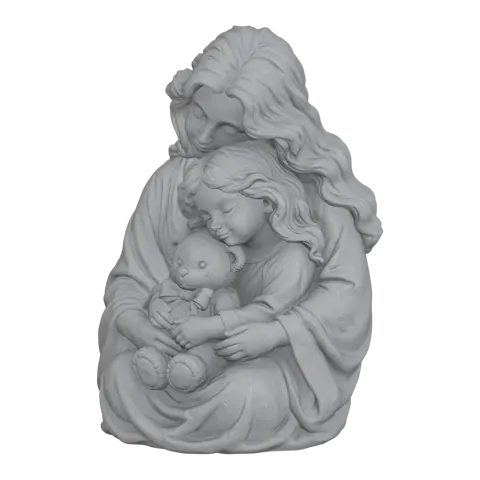
Use the lightweight mold for organic, three-dimensional pieces such as figurines and busts: a thin shell follows the model so you pour less silicone. Use the standard mode for reliefs, plaques and soaps: a base plate with a two-part fence around it.
Upload STL models up to 100 MB. Molds export as watertight STL, and as 3MF for sending to Bambu Studio. The files open in common slicers such as PrusaSlicer, Cura and OrcaSlicer.
The shell only holds the liquid silicone while it cures, so a regular FDM printer and a common filament are enough. The pour opening, locating keys and split are generated for you.
The printed shell never touches the cast. Food safety depends on the silicone you pour: use a certified food-grade silicone for chocolate, candy or baking.
Yes. Use Image to 3D with a photo, several views or a sketch, or generate a concept with AI Image first, then send the model to the mold tools.
No. Everything runs in the browser. If you prefer a desktop app, MoldMaster 5.0 is available for Windows.
Generation uses credits. See the pricing page for current plans and credit packs.
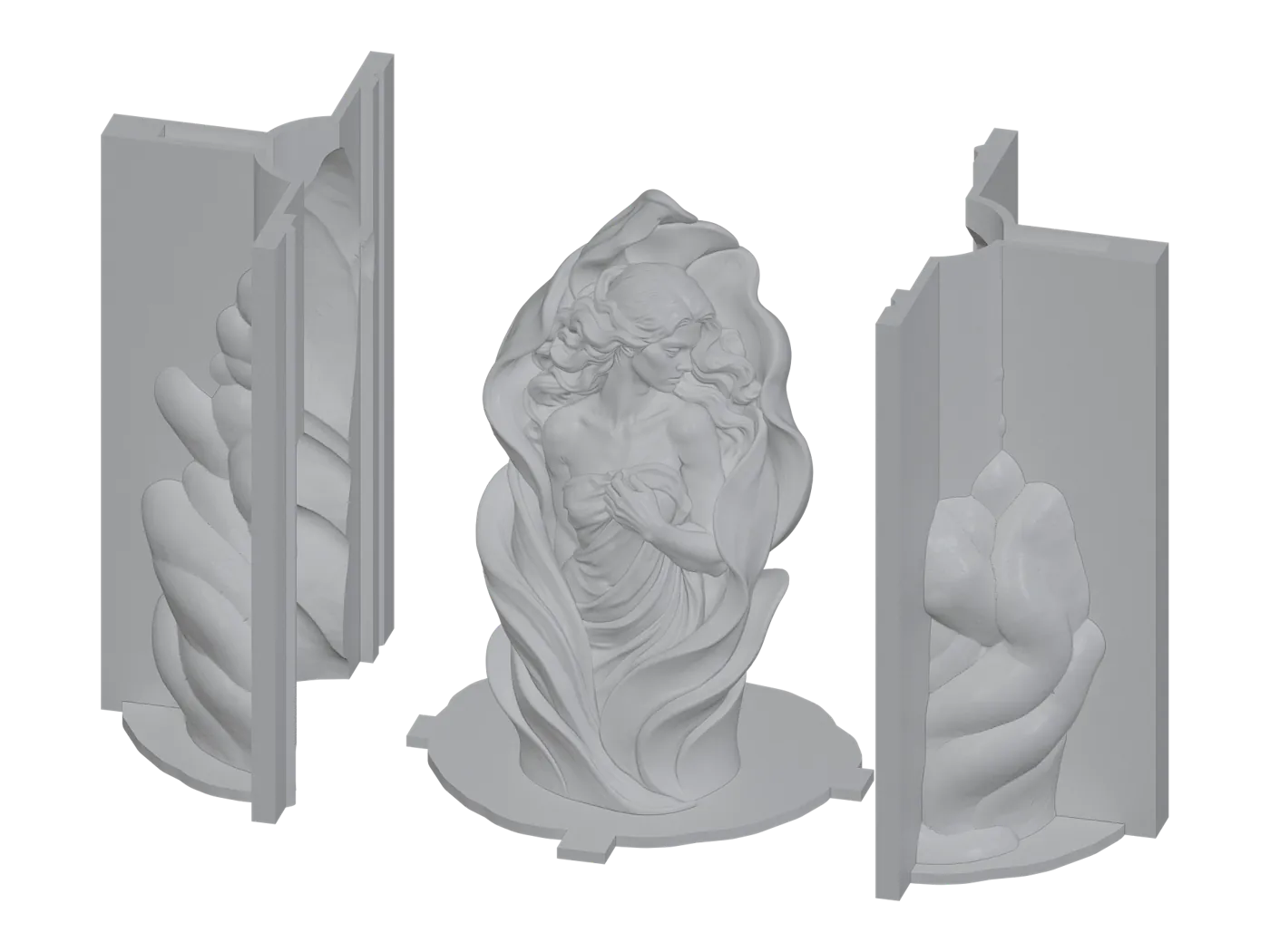
Thin split shell that follows your model.
Learn more →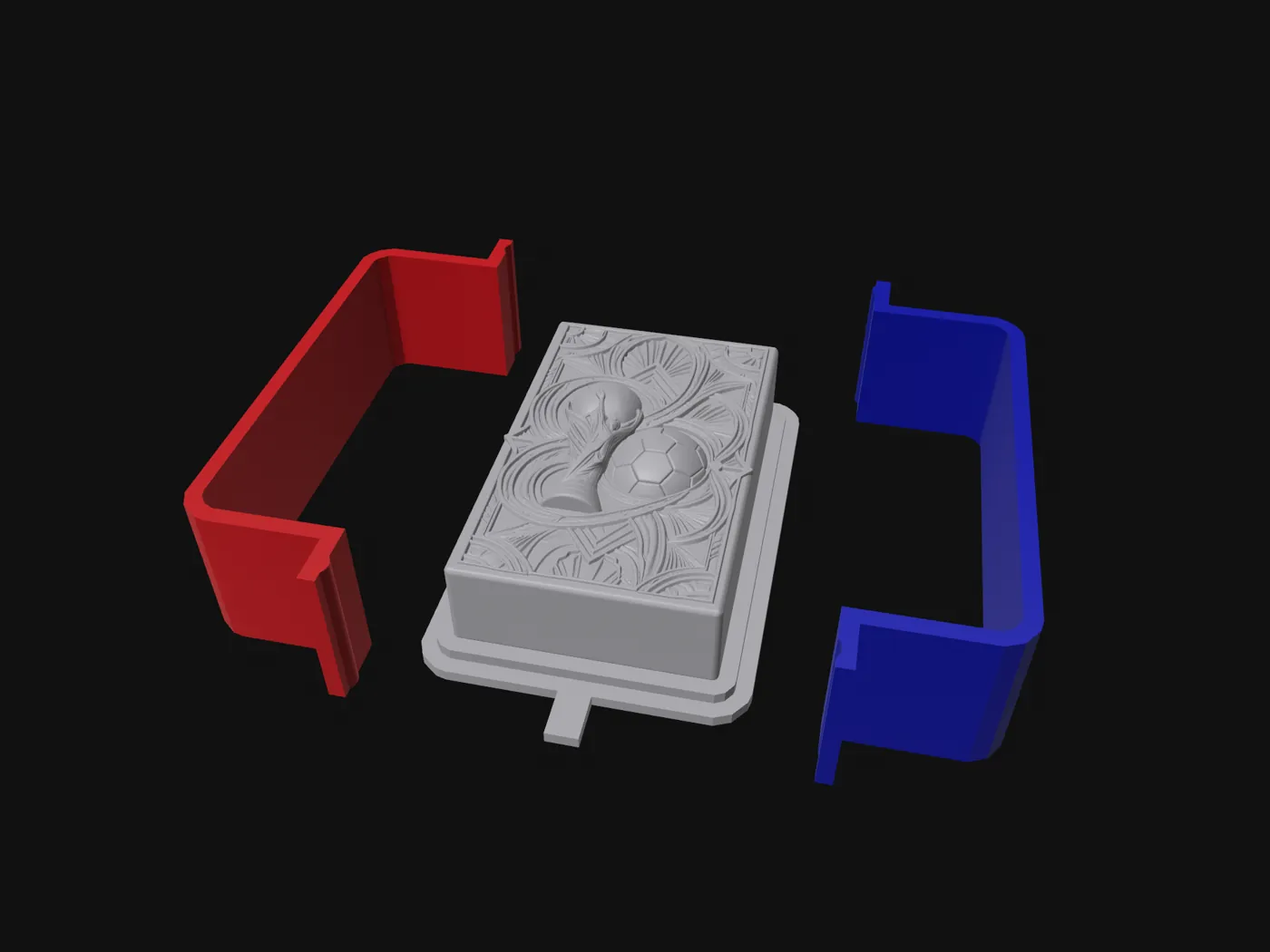
Base plate with a two-part fence for reliefs and soaps.
Learn more →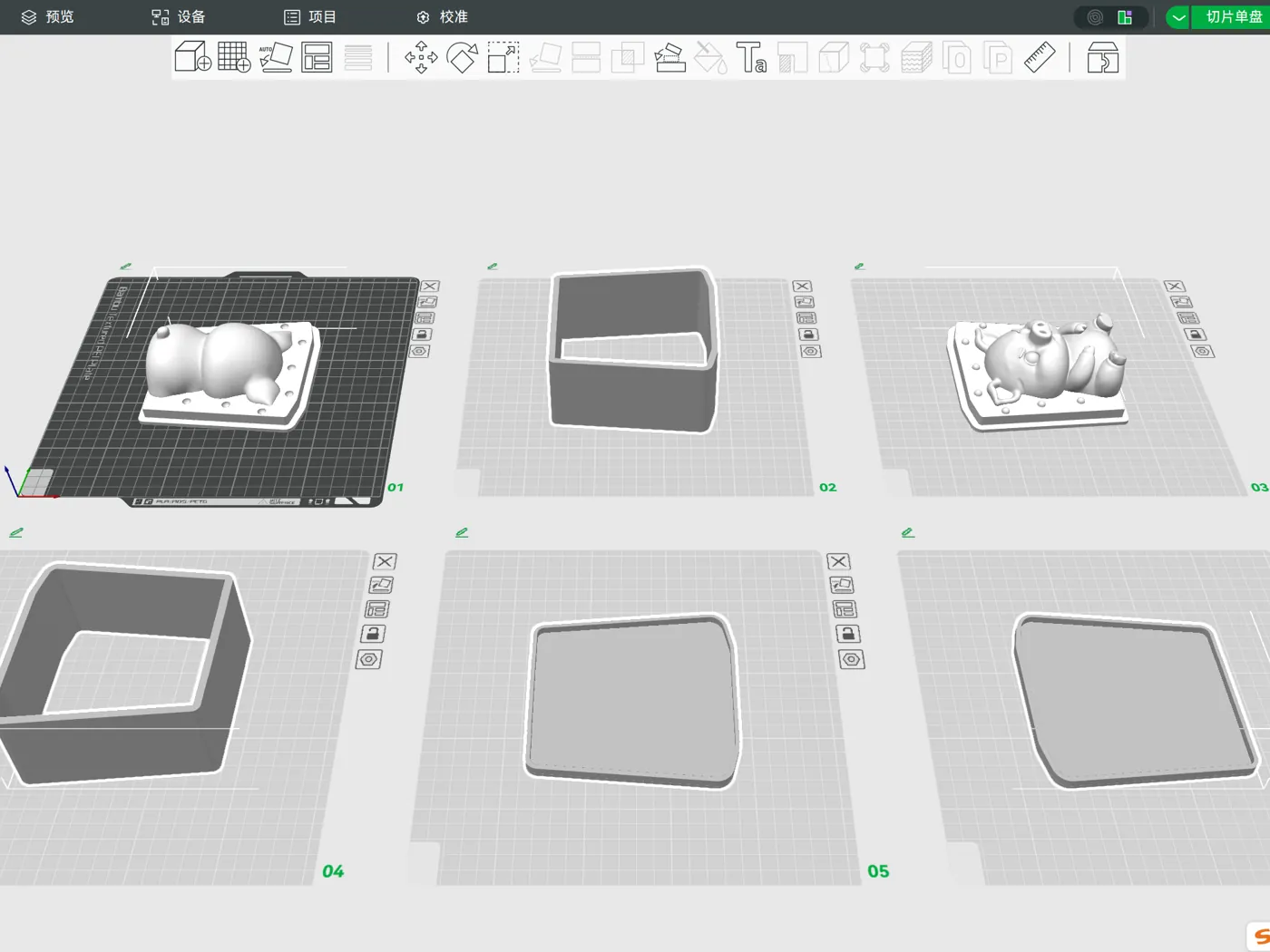
Custom two-part block molds for harder shapes.
Learn more →
Create a model from a single photo or several views.
Learn more →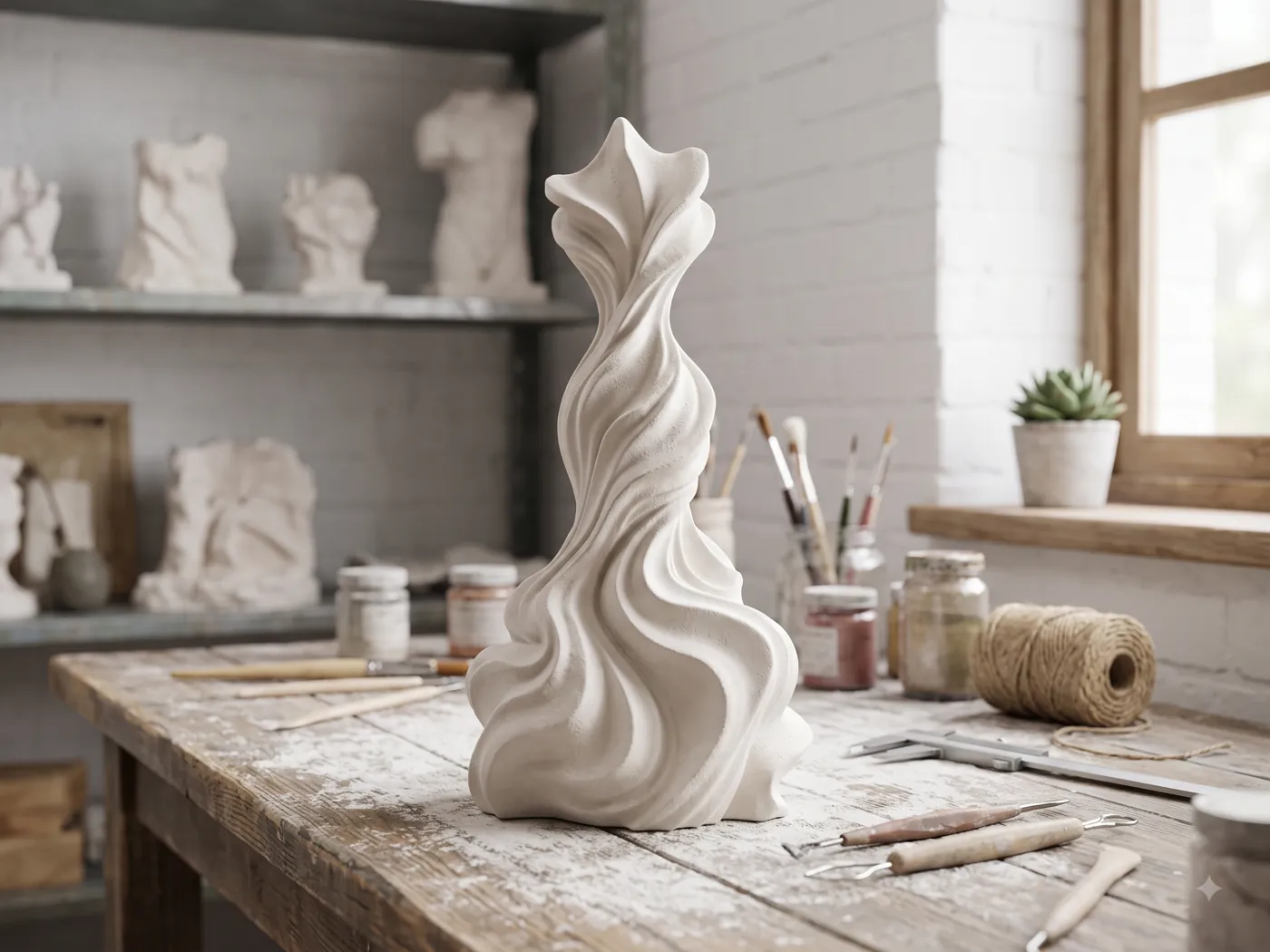
Generate concept art to model from.
Learn more →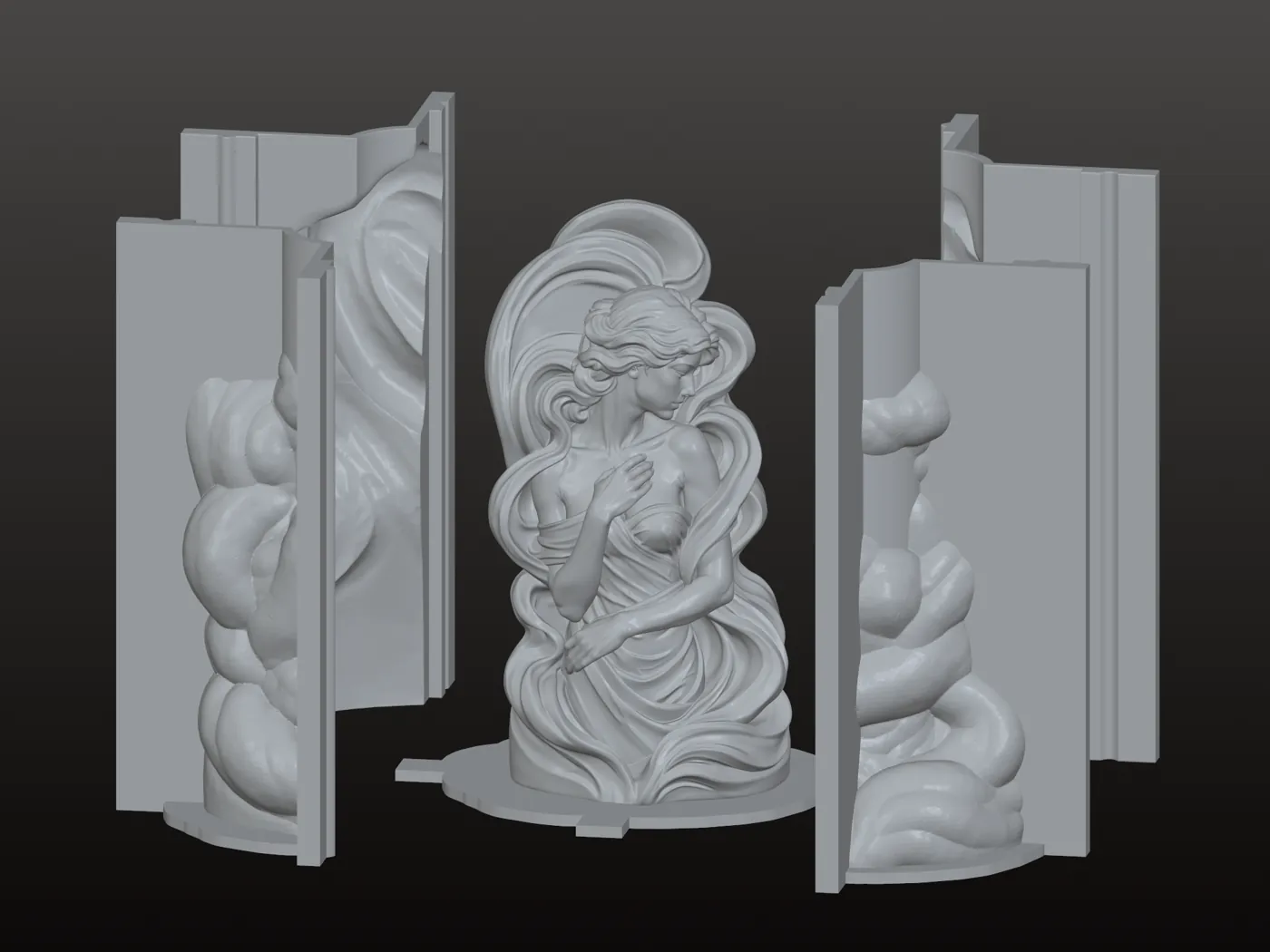
The desktop mold design app for Windows.
Learn more →Upload a model and see the mold in minutes. No CAD skills needed.
Start for free →